

Real vs Fake Website Traffic: How to Tell the Difference
Fake website traffic can turn a busy dashboard into a poor business decision. In a 2020 Wikimedia case study, researchers estimated that 5% to 8% of English Wikipedia's desktop pageviews labeled as user traffic in 2019 actually came from bot spam. That historical finding is not a benchmark for your site, but it shows why a visitor label is not proof of a person.
You need to separate four questions: did a visit happen, did a human cause it, did that person have relevant intent, and did the visit create value? We can check each question with different evidence instead of treating every recorded session as a potential buyer.
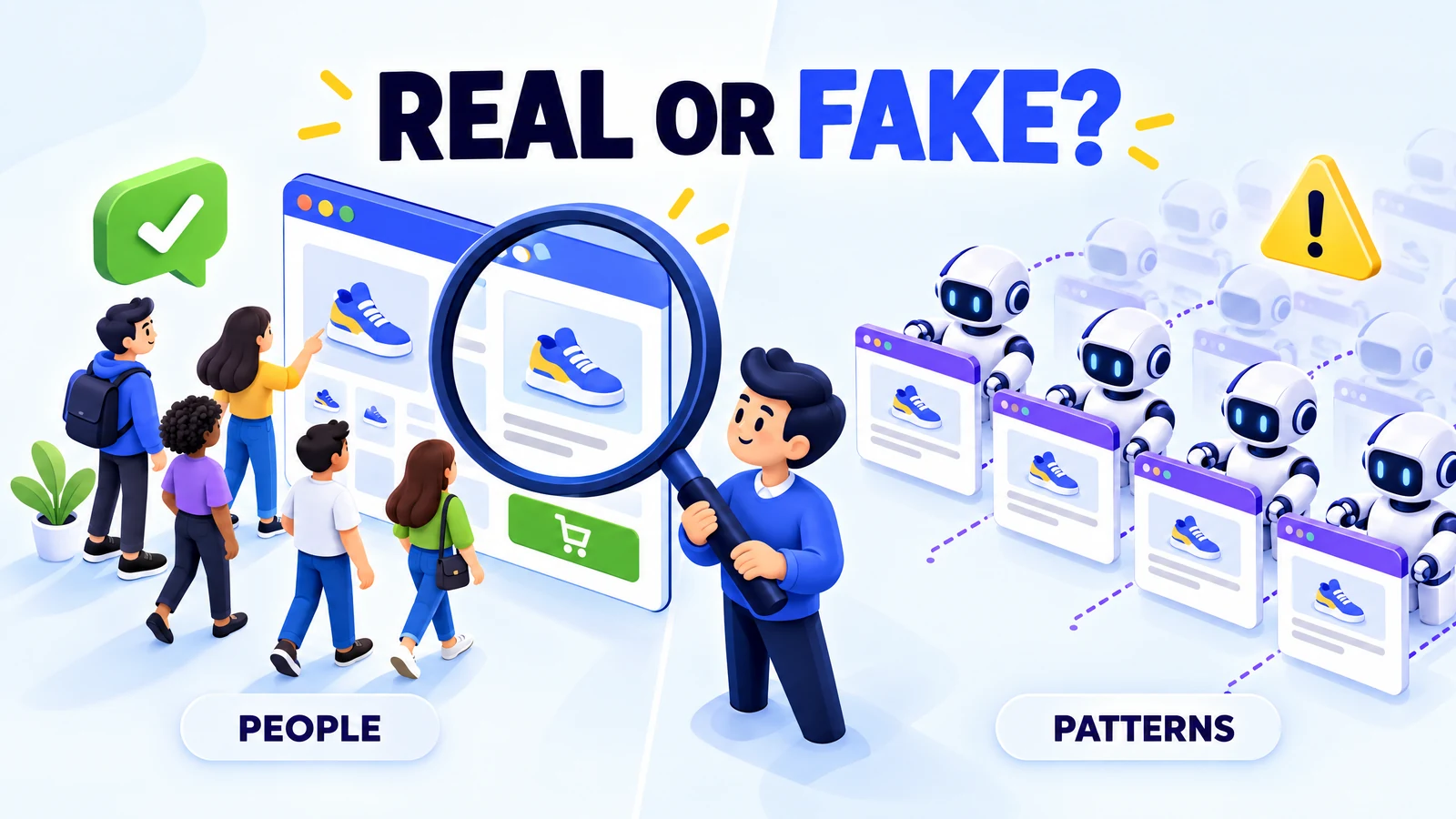
What counts as fake traffic
A traffic spike often looks convincing because it arrives with familiar labels such as users, sessions and pageviews. A session is a group of recorded interactions, not an identity check. For example, software can load a page and send analytics events, while a real person can visit only to collect a reward.
Fake traffic means activity that misrepresents the audience or interest it claims to represent. An undisclosed script sold as human visitors fits that description. So does a fabricated campaign report that shows visits your site never received.
Automation alone does not make a visit deceptive. A search crawler, which reads pages for an index, and a monitoring bot, which checks availability, perform useful work. Your reporting should identify that work separately from customer demand.
Human activity also needs context. Wikipedia's explanation of click fraud describes people and programs imitating genuine advertising interest. Some traffic exchange visits may involve people, but their reason for visiting can be earning credits rather than considering your offer.
Questions about whether fake traffic affects rankings and invalid traffic in AdSense need separate analysis. A recorded session does not establish a ranking benefit or permission to earn advertising revenue. Your first practical step is to write down what the traffic claims to be, then compare that claim with its disclosed source and purpose.
What real purchased traffic looks like
A provider's delivery report can agree with your analytics while leaving the most important question unanswered: who visited, and why? Imagine a shop that receives its ordered mobile visits from Germany but gets no relevant enquiries. Delivery may be accurate even when the audience has little interest in the product.
VisitorBoost provides website traffic campaigns with country and device selection and a free 2,000-visit test that you can check in your own analytics. Its buy real website traffic page makes independent verification part of the buying process. That is a useful starting point, but analytics visibility alone does not prove that a visitor is human or ready to buy.
You can judge an offer through four levels of evidence. Delivery evidence confirms the requested destination, dates and volume. Human evidence comes from the provider's explanation of its sourcing and checks, supported by your own observations rather than a polished dashboard.
Intent evidence asks whether the acquisition message and audience match your offer. Value evidence asks whether visitors complete useful actions that your business can validate. A confirmed enquiry is stronger evidence than a button click, and a paid order is stronger evidence than a cart event.
For a practical test, you could choose one landing page, one relevant market and one business outcome before the campaign starts. A lower cost per visitor matters only after those checks pass. This keeps the evaluation focused on people you can serve rather than on the cheapest increase in session count.
Signs of fake traffic in GA4
Google Analytics 4, or GA4, helps you inspect recorded behavior, but it does not certify human identity. A burst of short sessions could come from scripts, an irrelevant placement or a broken landing page. A single warning signal should start an investigation, not a public accusation against a provider.
You might see a new source bring thousands of visits to one product page while verified orders stay flat. That combination deserves attention, but the same pattern can occur when your payment gateway fails. You need to compare the audience, acquisition source and page performance before deciding what caused it.
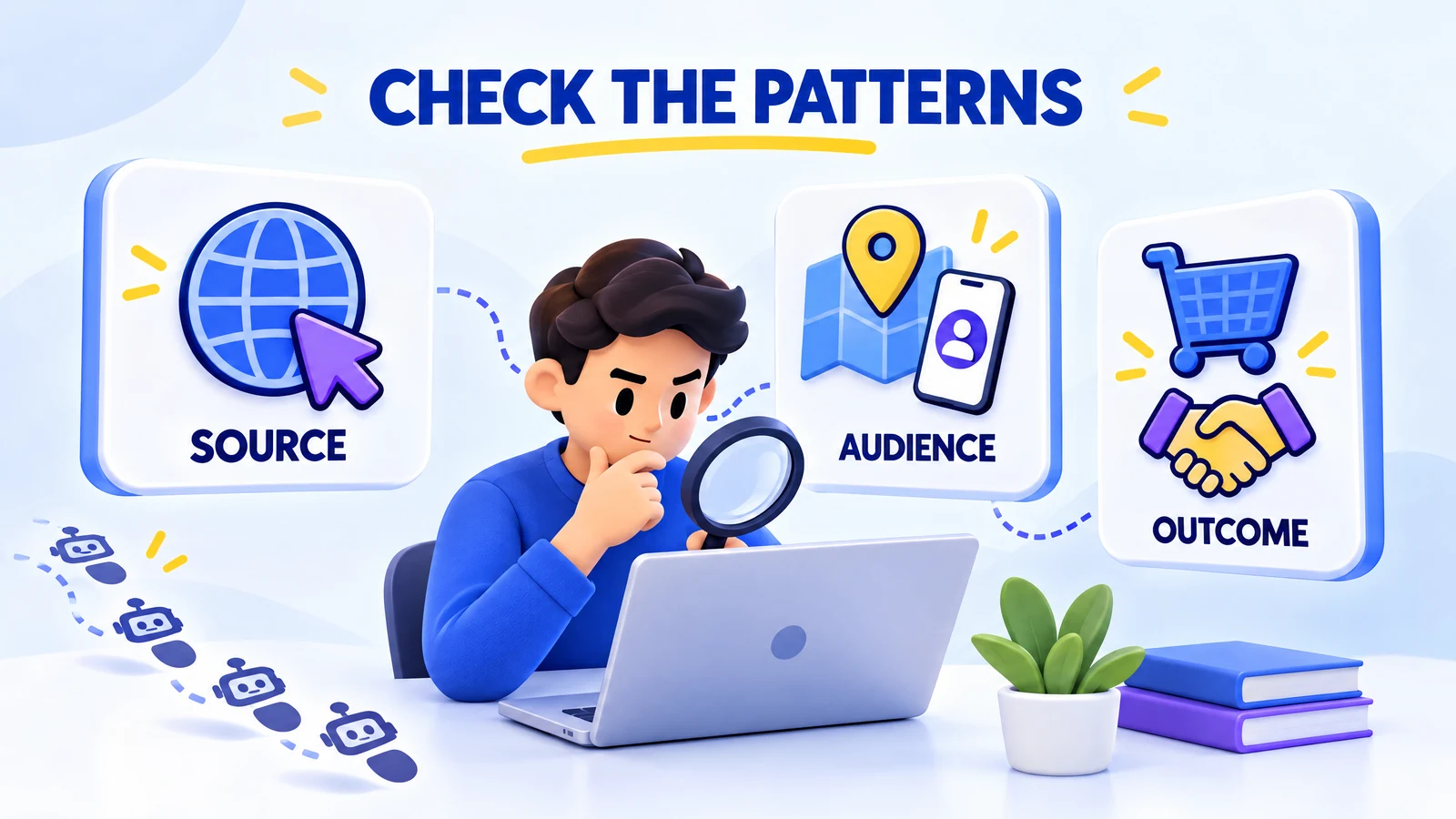
Compare the campaign with a relevant baseline
An average across your whole site can hide the problem. Organic readers on a long guide behave differently from mobile visitors arriving on a short offer page. Your comparison works better when it uses the same landing page, country, device category and similar days.
In GA4's Traffic acquisition report, you can inspect the campaign's session source and medium. Source identifies where a visit came from, and medium describes the type of channel. If your reporting layout differs, an Exploration can combine those dimensions with landing page and device category.
You can then compare sessions, engagement and a relevant key event, which is an action you mark as important. An unexplained burst, a country outside your service area or repeated activity without useful next steps is a clue. Several clues together justify closer checks, because each one can also have a legitimate explanation.
Check measurement before judging the audience
Zero engagement is worrying, but a missing event or consent choice can change what GA4 records. A high engagement rate can also mislead you if you marked an easy action as a key event. For example, counting every pageview as important says little about sales quality.
You can test the landing page yourself on the same device type and confirm that a purchase or enquiry reaches the expected report. You can also compare validated orders with recorded purchase events. This check prevents a tracking problem from being mistaken for fake traffic and keeps artificial engagement from looking like business success.
How to test a provider
A large package gives you more visits but can make a bad decision more expensive. A seller's sample dashboard may use different dates, a different definition of a visit or a page unrelated to yours. For example, 10,000 requests in a delivery report are not automatically 10,000 analytics sessions.
You need a simple test plan that defines the traffic's source, destination, campaign dates, target market and intended outcome. Asking how to vet a traffic provider starts with clear questions: are visits automated, incentivized, redirected or generated through a disclosed advertising placement? A claim such as real visitors should come with an explanation, not just reassurance.
Keep delivery and business results separate
Your first comparison can use the seller's report, your analytics and any server or content delivery network logs available to you. Logs record requests received by the system, while browser analytics records events collected by tracking tools. Wikipedia's overview of web analytics explains why page tagging and log analysis can produce different counts.
A content delivery network, or CDN, serves content through distributed infrastructure and may hold request records that your origin server never sees. Cookies, consent, caching and script execution can also affect the comparison. You can investigate a large unexplained mismatch without expecting these systems to produce identical totals.
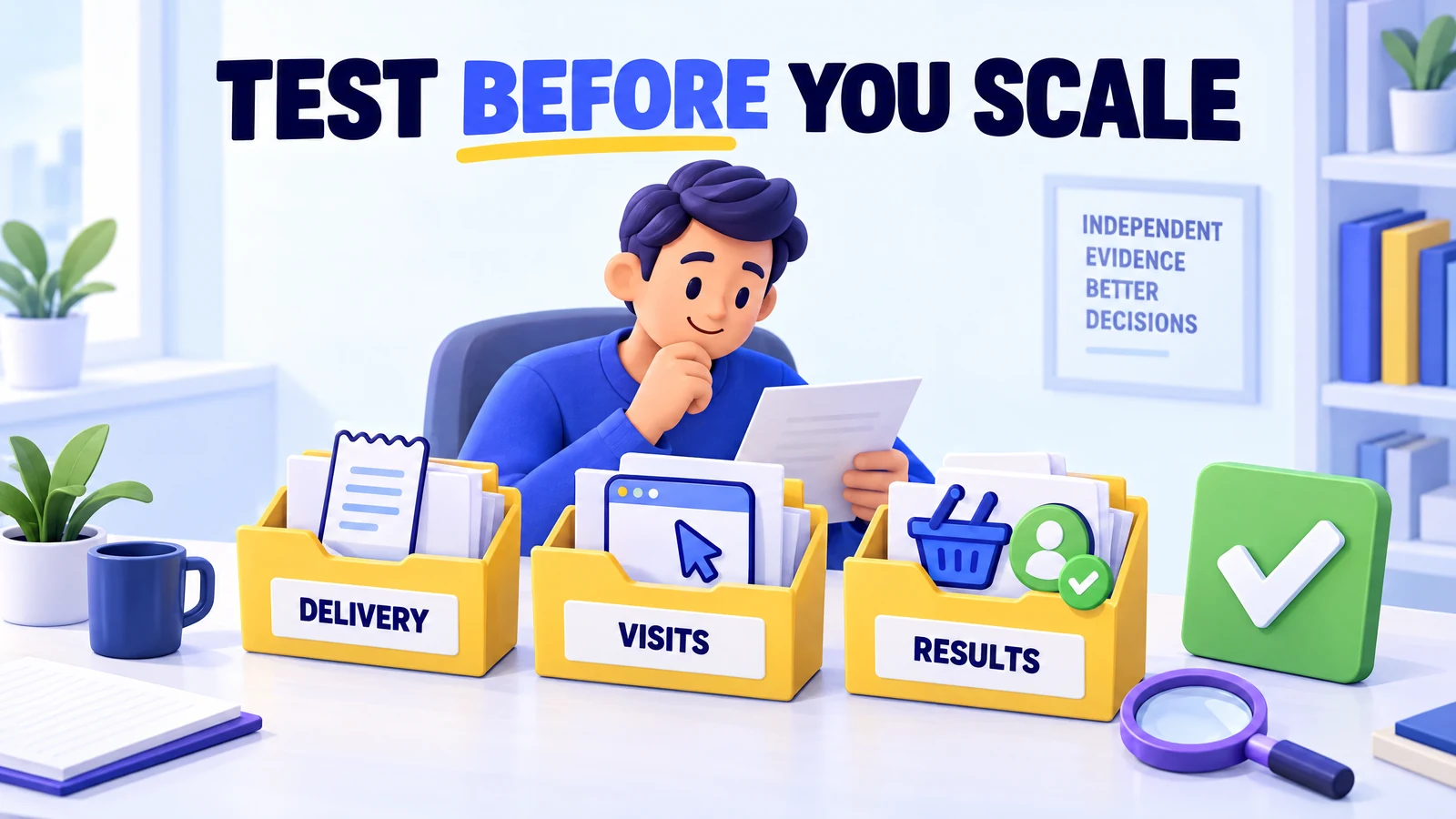
For an illustrative test, suppose you spend $30 and receive 1,000 reported visits, 700 recorded sessions and two confirmed enquiries. The cost per confirmed enquiry is $15, while the 300-visit gap still needs an explanation. These example numbers show why delivery and value belong in separate columns of your evaluation.
Your strongest next step is to agree on a pause rule before you pay. You could pause if the source remains undisclosed, targeting differs from the order or the test creates no validated action within your chosen budget. That rule limits losses without inventing a universal conversion rate that every business must meet.
Testing traffic vs fake traffic
A scripted visit can be useful for a technical check and useless for measuring demand. For example, a developer may repeat a page load to test an event, while a marketer needs independent people to judge a new offer. Confusing those purposes can make a technically successful test look like customer growth.
The difference is disclosure and use. A campaign labeled as automated testing does not pretend to be human interest. You still need permission to run it, a controlled scope and separation from customer reports, especially if it could affect checkout, lead forms or third-party services.
Understanding what bot traffic is helps you set that boundary. A bot can repeat browser actions, so scrolls, clicks and longer session times do not prove that people found your offer useful. Randomizing those actions may change a pattern, but it does not turn software into a prospective customer.
You can use a test property or staging environment where practical, clearly label test campaigns and exclude confirmed test activity from business reporting. You should also avoid sending automated or rewarded traffic to ad-supported pages as a way to generate revenue. Human-first measurement protects your decisions and avoids presenting a technical test as a commercial result.
How to stop suspicious traffic without blocking customers
Blocking every short visit or every unfamiliar country can reduce visible noise while excluding genuine customers. Shared networks, privacy tools and mobile connections make identity difficult to infer from an IP address, which is a network address rather than a person's name. A broad rule can also interfere with legitimate crawlers and monitoring tools.
Your response works better when it targets the harmful action. OWASP's automated threats project explains that automated misuse can abuse valid application functions. Repeated form submissions, excessive login attempts and misleading analytics events may therefore need different controls.
For an attack on a form, you could review repeated submission patterns, add rate limits and apply a challenge only when risk signals justify it. A rate limit restricts how often a client can perform an action. This approach limits abusive repetition while keeping the normal path easier for real people, including visitors who use accessibility tools.
If suspicious events appear in analytics without matching website requests, you can ask your developer to investigate direct event injection and any exposed server-side analytics credentials. Blocking website visits may not stop events sent straight to the collection service. This distinction prevents you from applying a site rule to a reporting problem it cannot solve.
You can preserve the original evidence, build a separate analysis that excludes confirmed unwanted activity and check legitimate enquiries after each change. A health, finance or legal service should also protect sensitive form data and follow its consent obligations during the investigation. Quality measurement should improve service for real people, not collect more personal information than you need.
Conclusion
A clean-looking dashboard can still measure the wrong thing, and a poor conversion rate does not prove fraud. You gain a clearer answer by checking delivery, human origin, relevant intent and validated business value separately. Each level needs evidence that the level before it cannot provide.
You can start with one bounded test, compare like-for-like visits and pause when the source or results remain unexplained. Future ways to increase website traffic should build on those checks rather than replace them with bigger totals. The goal is a relevant audience you can help, not a number that merely looks busy.